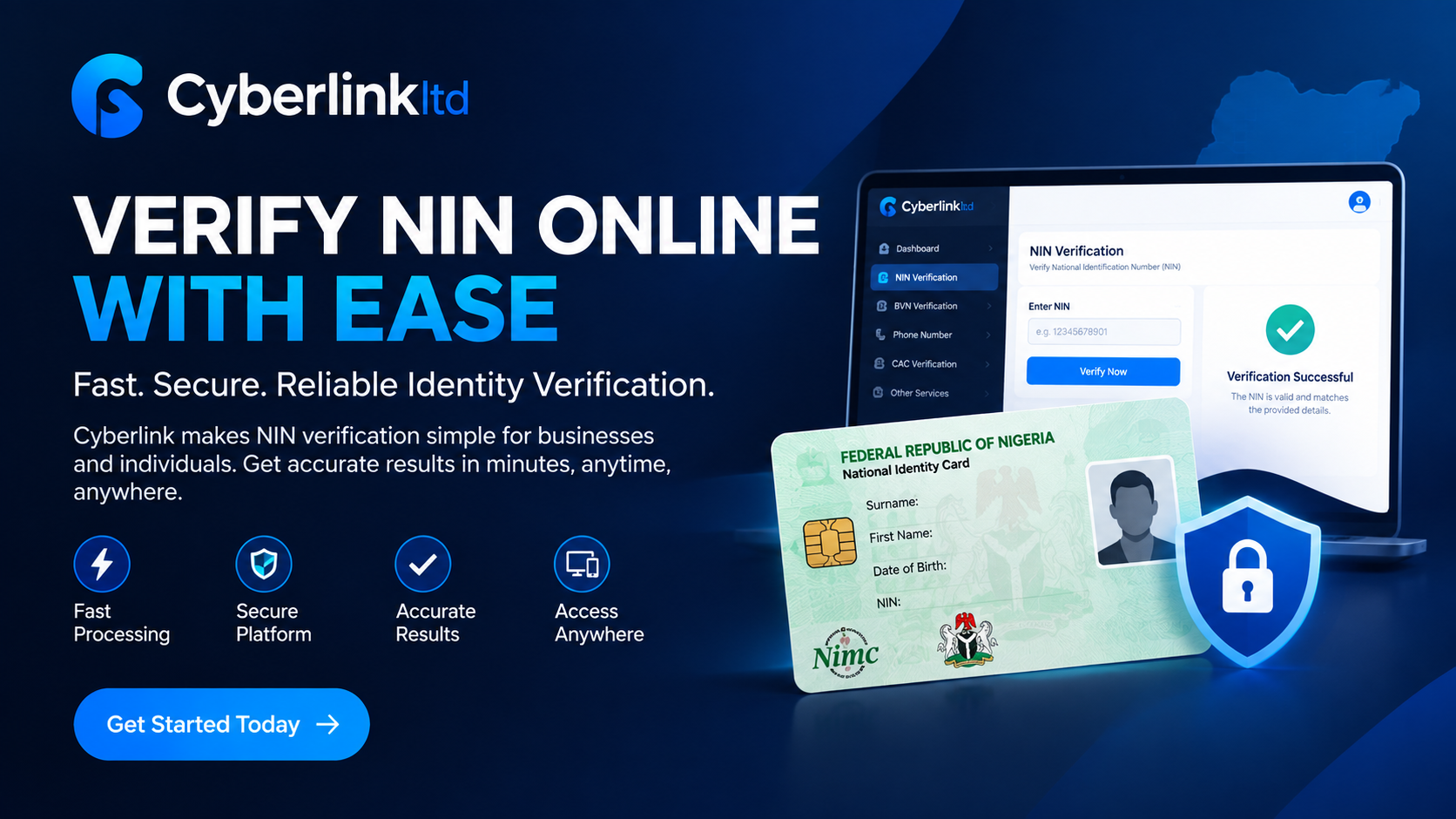
With Cyberlink, businesses and individuals can access a convenient online platform for NIN verification and other identity verification services.
What Is NIN Verification?
NIN verification is the process of confirming the identity information associated with a National Identification Number against authorised identity records.
The NIN is an 11-digit unique identification number issued to individuals enrolled with the National Identity Management Commission (NIMC). It is used as an important means of establishing and confirming identity in Nigeria.
For businesses, NIN verification can help confirm customer information before providing certain services.
Why Verify a NIN?
Accurate identity verification is important for businesses operating online and offline. Verifying a customer's NIN can help organisations improve their KYC processes, reduce identity-related errors, and maintain accurate customer records.
NIN verification can be useful for:
* KYC and customer onboarding
* Fintech and financial services
* Account registration
* Customer identity validation
* Digital platforms
* Business verification processes
* Record management
* Fraud prevention and compliance
How to Verify NIN Online Using Cyberlink
Cyberlink provides an easy-to-use online dashboard that allows users to submit NIN verification requests.
Follow these simple steps to verify a NIN online.
1. Visit Cyberlink
Start by visiting the Cyberlink website and accessing the verification platform.
From the website, users can access available identity verification services and their dashboard.
2. Log In to Your Account
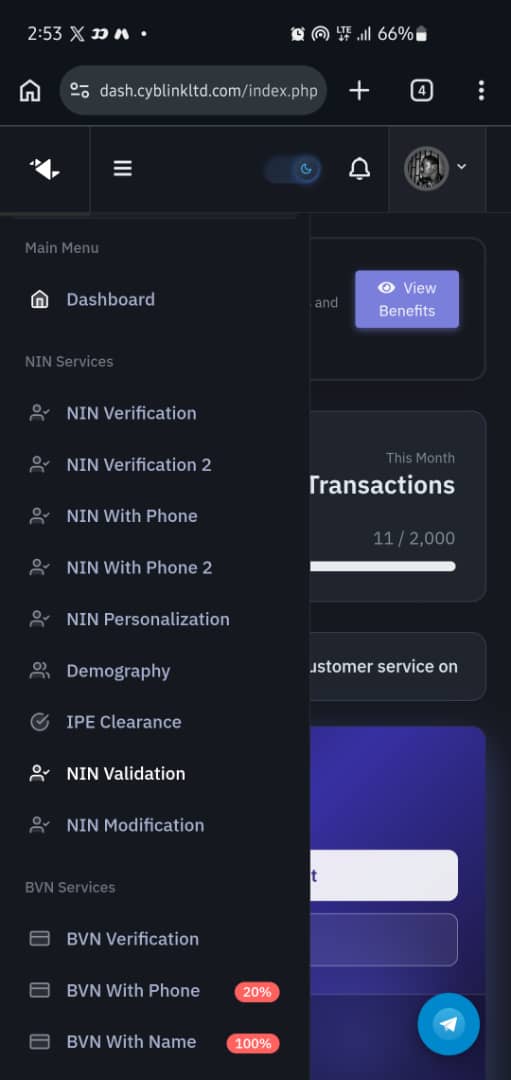
Existing users can log in to their Cyberlink account.
If you are a new user, create an account and complete the required registration process before accessing the verification services.
3. Select NIN Verification
After logging into your dashboard, locate the NIN verification service.
Select the appropriate verification option to begin your request.
4. Enter the Required Information
Enter the NIN and any other information requested by the verification platform.
Always double-check the information before submitting your request to avoid errors caused by incorrect or incomplete details.
5. Submit Your Request
After confirming the information entered, submit the verification request.
Cyberlink processes the request through its verification system and returns the available verification result.
6. View Your NIN Verification Result
Once processing is completed, you can view the verification result from your Cyberlink dashboard.
Depending on the verification service and available information, the result may contain relevant identity details that can help you confirm the submitted information.
Benefits of Using Cyberlink for NIN Verification
Fast and Convenient
Cyberlink provides an online verification process that allows users to submit verification requests without relying entirely on manual procedures.
Easy-to-Use Dashboard
The Cyberlink dashboard is designed to make identity verification simple and accessible, even for businesses that process multiple verification requests.
Reliable Identity Verification
Businesses can use NIN verification to help confirm customer information and improve their identity verification workflows.
Suitable for Businesses
Cyberlink can support businesses that require identity verification for KYC, onboarding, customer validation, and other legitimate business processes.
Access to Multiple Verification Services
In addition to NIN verification, Cyberlink provides access to other verification services, allowing businesses to manage different identity verification requirements from one platform.
What If Your NIN Verification Fails?
If your NIN verification request is unsuccessful, first check that the NIN and other required information were entered correctly.
You should also:
* Check for typing errors.
* Confirm that the submitted details are accurate.
* Make sure the information corresponds with the individual's official records.
* Retry the verification where appropriate.
* Contact Cyberlink support if the problem persists.
If the issue relates to an individual's official NIN record, further assistance may be required from NIMC.
Protect Your NIN
Your NIN is sensitive personal information. Avoid publishing it publicly or sharing it with unknown individuals or untrusted websites.
Only provide your NIN when it is necessary and use trusted, secure channels for identity verification.
Businesses handling NIN information should also take appropriate measures to protect customer information and comply with applicable data protection requirements.
Frequently Asked Questions About NIN Verification
How can I verify my NIN online?
You can verify a NIN through an authorised online identity verification service such as Cyberlink. Log into your Cyberlink dashboard, select the NIN verification service, provide the required information, and submit your request.
Can businesses use Cyberlink for NIN verification?
Yes. Cyberlink is designed to support businesses that require identity verification for purposes such as KYC, customer onboarding, and identity validation.
How long does NIN verification take?
Processing time can depend on the verification service, system availability, and the type of request submitted. Cyberlink is designed to process verification requests efficiently.
What happens if my NIN details do not match?
If the information supplied does not match the available identity records, check the submitted details carefully and correct any errors before trying again. Persistent issues may require further assistance.
Is NIN verification important for KYC?
Yes. NIN verification can form an important part of a broader KYC and identity verification process, helping businesses confirm customer information before providing certain services.
Start Your NIN Verification With Cyberlink
Reliable identity verification is essential for businesses that want to provide secure and efficient services.
Cyberlink provides a convenient platform for NIN verification and other identity verification services, helping businesses simplify their verification processes and manage customer validation more efficiently.
Visit Cyberlink today to access the verification platform and explore the available services.